Acism Assistant Let's find the right path for you
ACISM PRODUCT

HeadTracker

Enterprise Recruitment Management Platform

An enterprise Applicant Tracking System (ATS) for managing candidates, client requirements, interviews, placements, and recruitment workflows from one centralized platform.
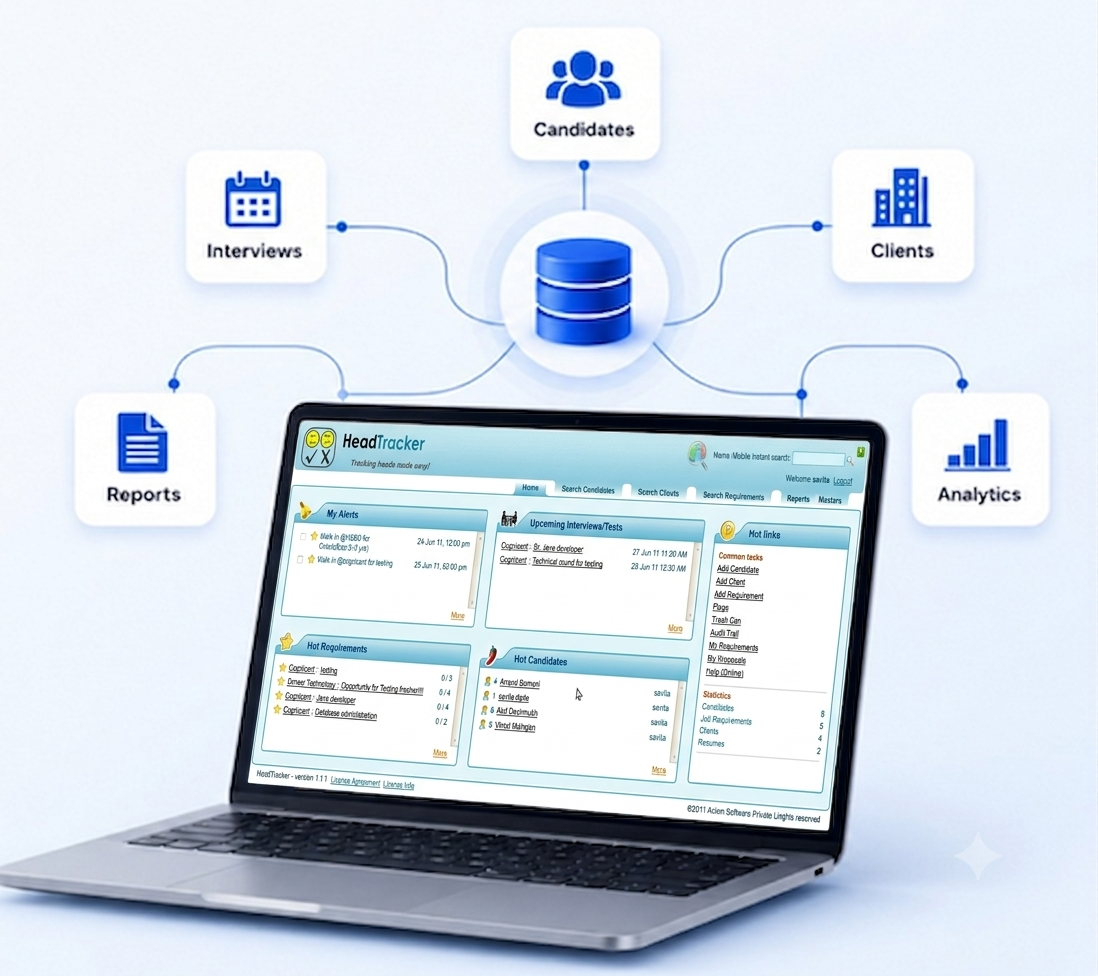
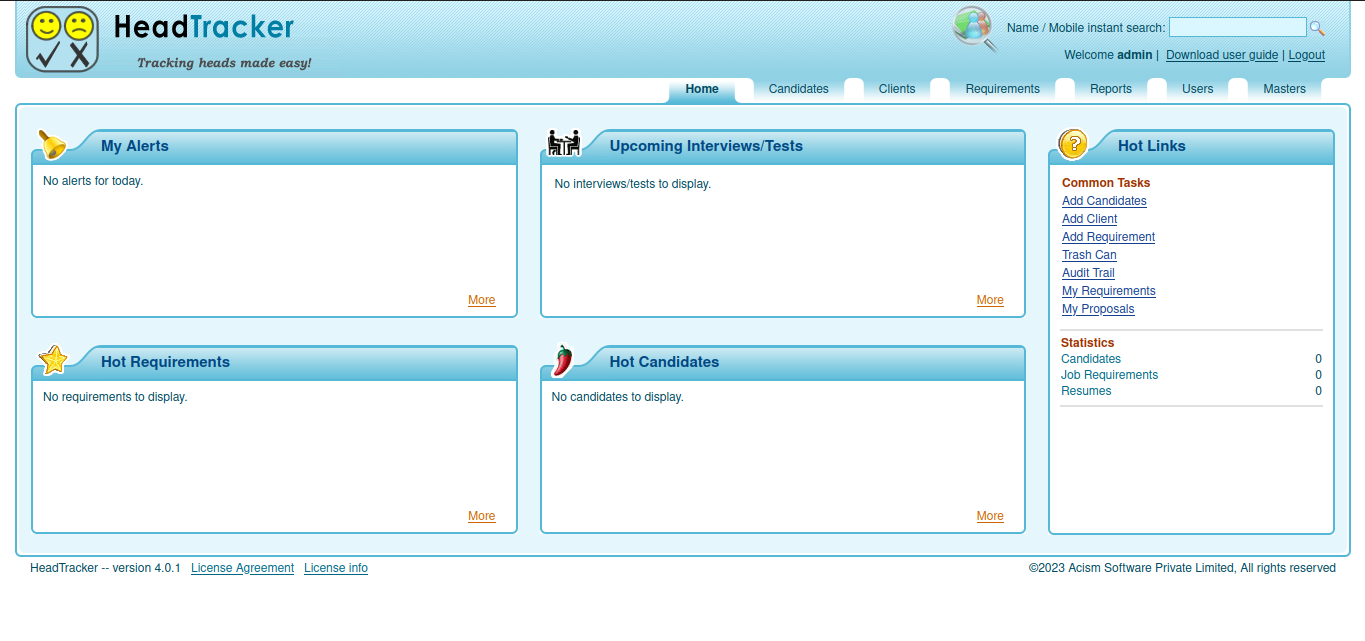
HeadTracker Dashboard

Built For Modern Recruitment Teams

Whether you're hiring internally or managing recruitment for multiple clients, HeadTracker provides the visibility and control needed to streamline hiring.

Recruitment Agencies

Manage multiple clients, job requirements, candidate pipelines, interviews, and placements from a single platform.

HR Departments

Streamline internal recruitment, interview coordination, and candidate management.

Placement Cells

Track students, employers, campus drives, interviews, and placement activities.

Staffing Companies

Coordinate recruiters, client communication, hiring workflows, and recruiter productivity.

RECRUITMENT CHALLENGES

Recruitment Is More Than Managing Resumes

HeadTracker is a full-featured Applicant Tracking System.Originally designed for recruitment agencies, HeadTracker also supports corporate HR teams and educational institutions managing campus placements.

Candidates are stored in database. They are matched against clients' requirements.

A proposal is created for a potential match. The proposal moves through various stages of evaluation (such as interviews).

The data of how multiple candidates progress against multiple requirements is tracked.

Advanced functionalities like generation of candidate entry form, custom fields for candidates, alerts, trash can are provided.

Placement reports can be generated.

Recruitment Challenges
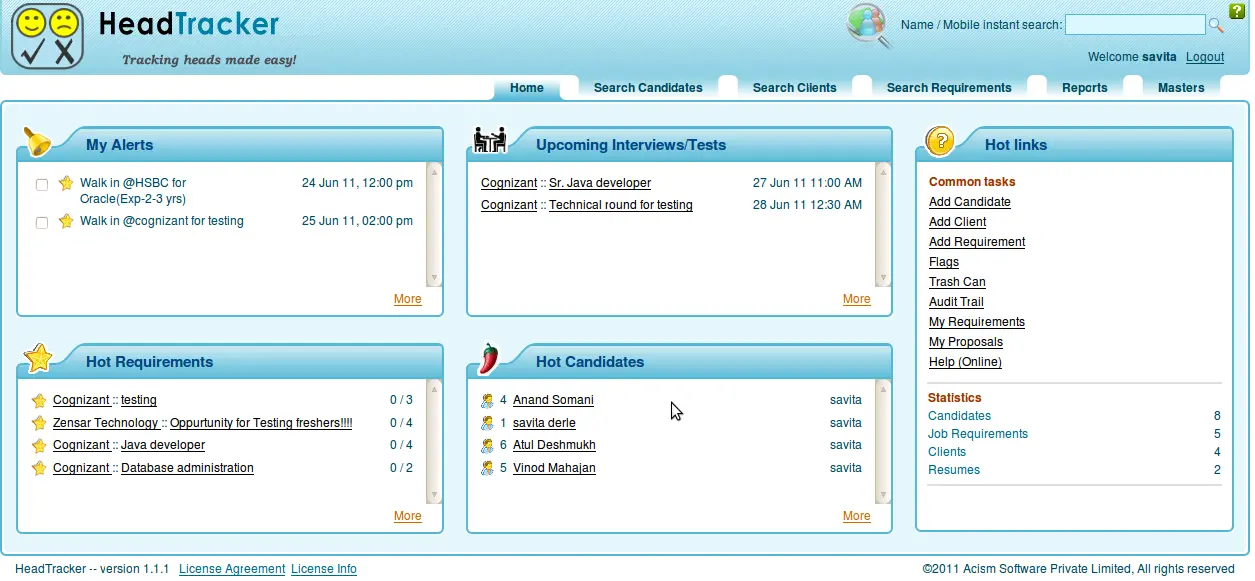
HeadTracker Dashboard
WHY HEADTRACKER

One Platform For The Entire Recruitment Lifecycle

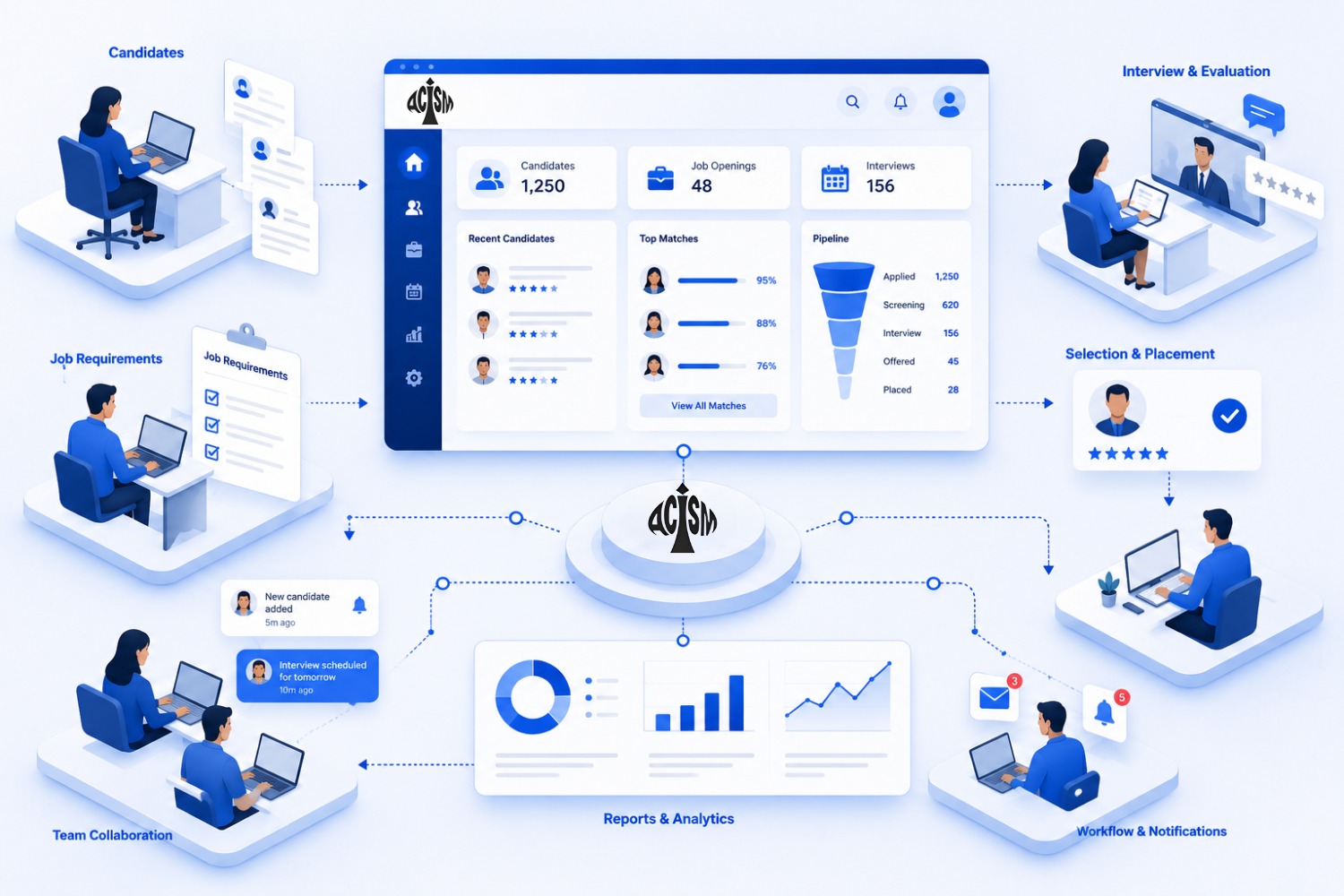
HeadTracker centralizes every stage of recruitment, from candidate sourcing to placement, providing recruiters with complete visibility into hiring activities while improving collaboration across teams.

Candidate Database
Requirement Management
Proposal Tracking
Interview Tracking
Placement Management
Recruitment Reports
CORE MODULES

Everything Recruiters Need In One Platform

HeadTracker provides dedicated modules for every major recruitment activity.

Candidate Management

Store candidate profiles, resumes, skills and recruitment history.

Requirement Management

Manage client requirements and open positions.

Client Management

Maintain complete client information and recruitment history.

Proposal Management

Create and track candidate submissions to clients.

Interview Tracking

Monitor interviews, evaluations and recruiter feedback.

Placement Management

Track successful placements and hiring progress.

Alerts & Notifications

Receive timely alerts and notifications to keep recruitment activities on track.

Reports & MIS

Generate placement reports and recruitment MIS reports.

PRODUCT SHOWCASE

See HeadTracker In Action

Explore the key modules that help recruiters manage every stage of the hiring lifecycle from one centralized platform.
HeadTracker Dashboard

Recruitment Dashboard

Get a real-time overview of recruitment activities, upcoming interviews, alerts, hot requirements, candidate pipelines, and recruiter productivity from a centralized dashboard.

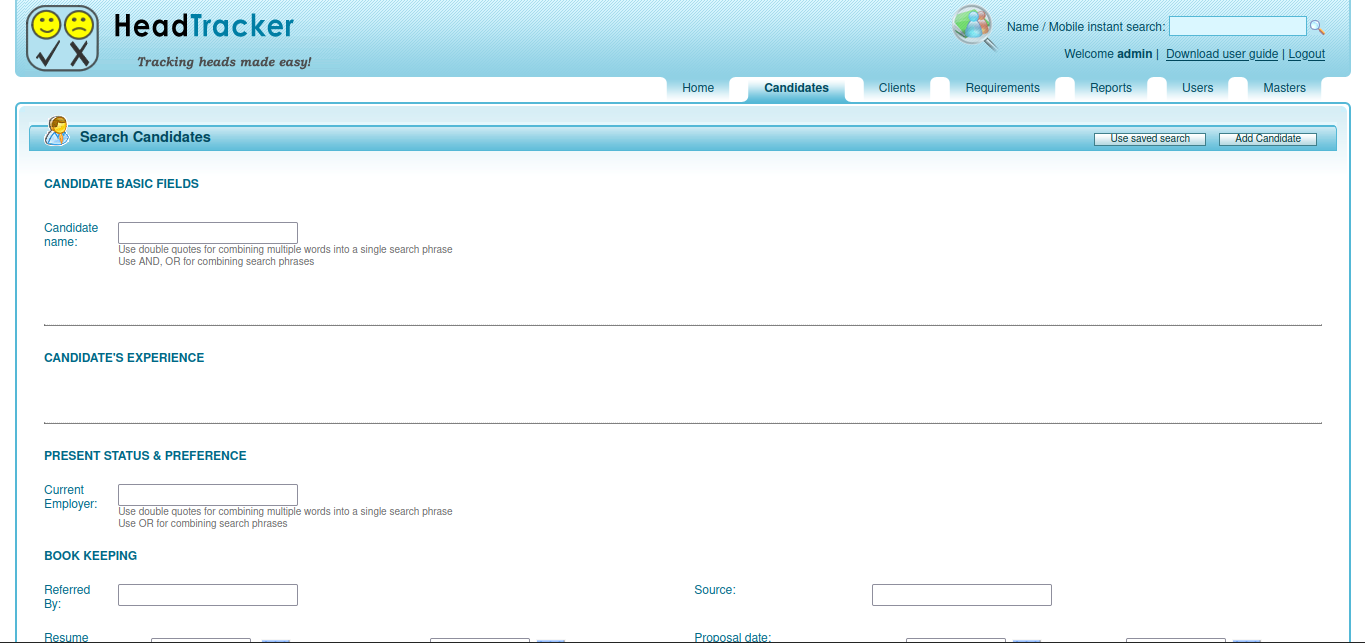
Comprehensive Candidate Management

Maintain a searchable database of candidates with detailed profiles, skills, experience, employment history, preferences, and recruitment records to quickly identify the right talent.

Candidate Management
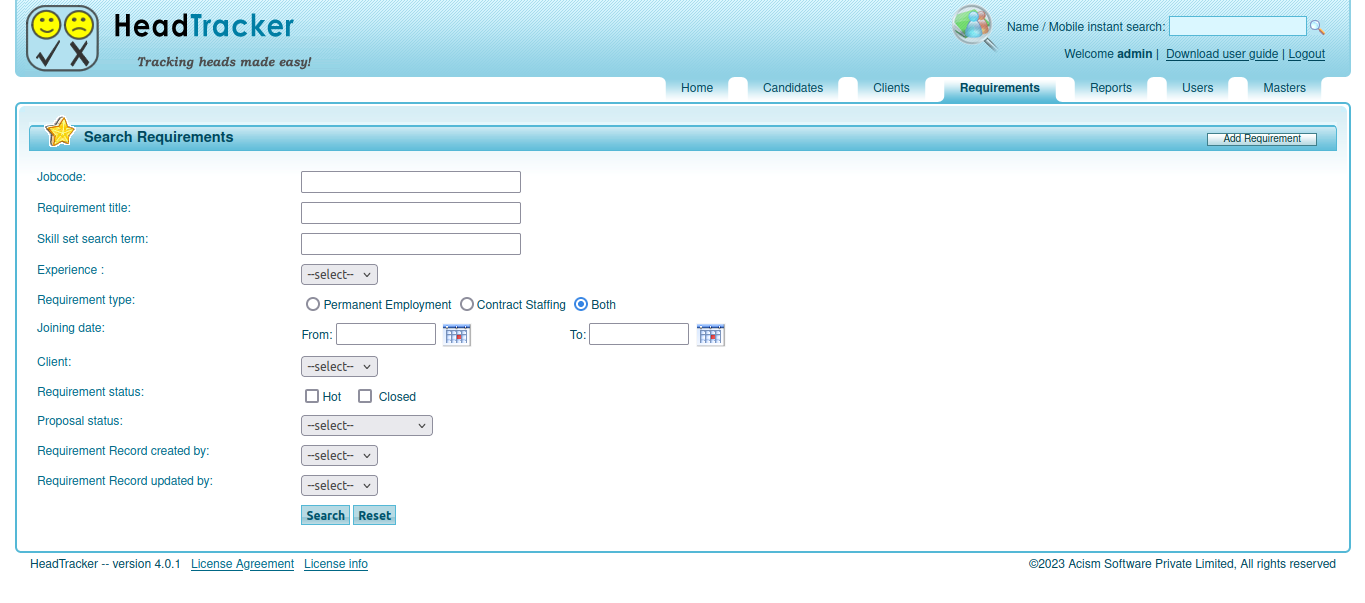
Requirement Management

Requirement & Job Management

Create and manage client requirements, search openings using multiple criteria, track proposal status, and match qualified candidates to the right opportunities.

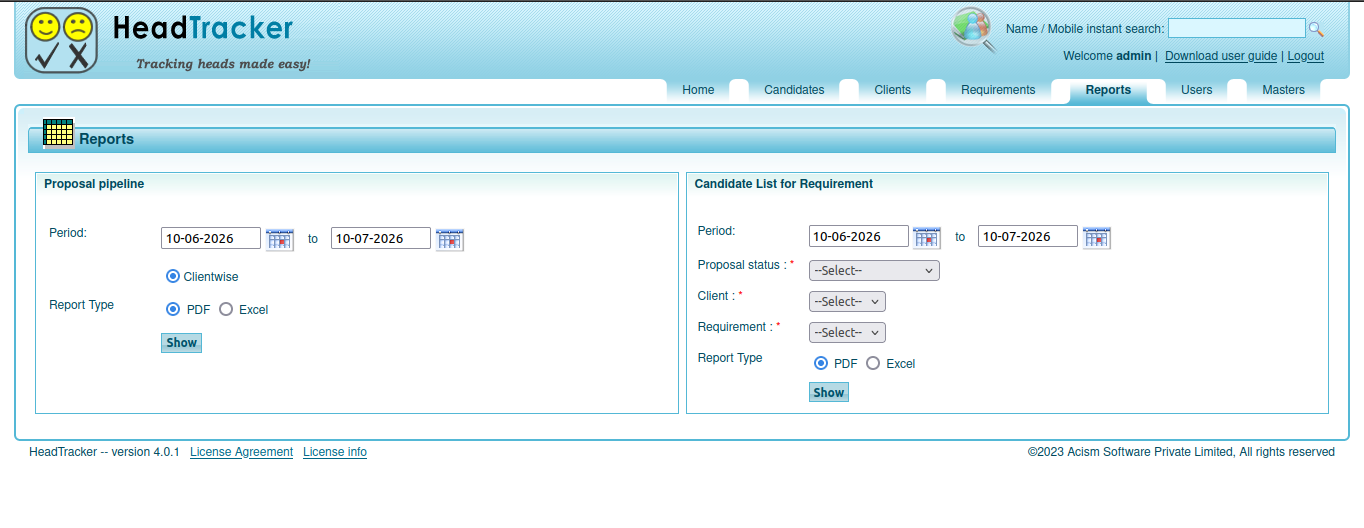
Reports & Recruitment Analytics

Generate placement reports, proposal pipeline reports, recruiter activity reports, and management MIS to monitor recruitment performance and hiring progress.

Reports
Requirement Management

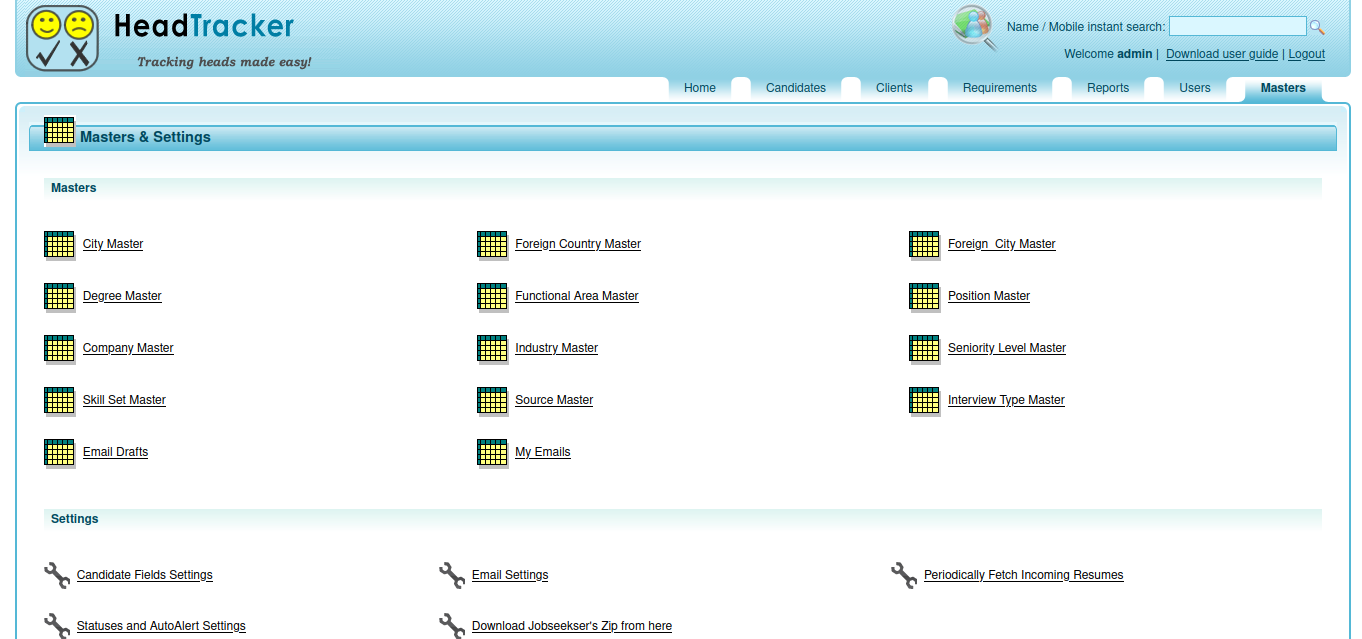
Masters & Configuration

Configure master data including skills, industries, positions, interview types, locations, email templates, candidate fields, alerts, and other recruitment settings from a centralized administration module.

User & Access Management

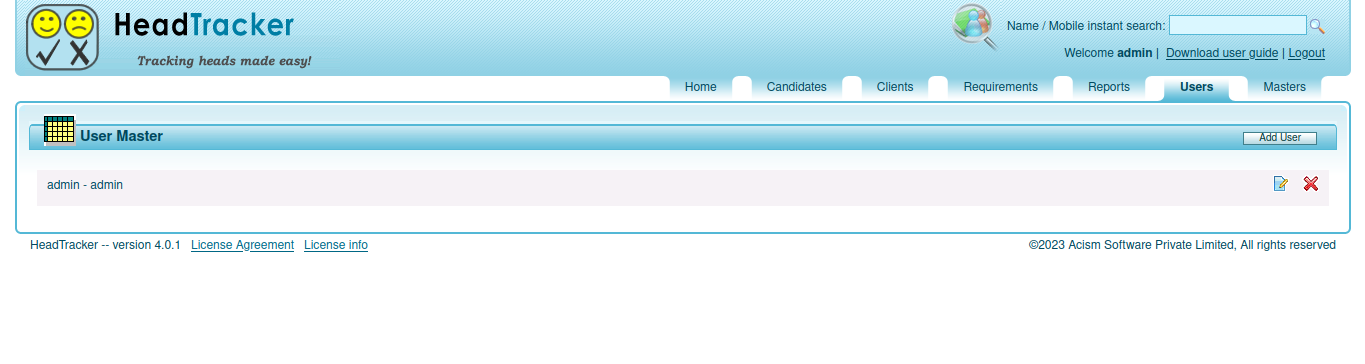
Create and manage recruiter accounts, control user access, and maintain administrative users for secure recruitment operations.

Reports
RECRUITMENT WORKFLOW

From Resume To Placement

HeadTracker helps recruiters manage every stage of recruitment with complete visibility and control.

Resume Import
Candidate
Requirement Match
Proposal
Interview
Placement
INSTALLATION GUIDE

Deploy HeadTracker in Minutes

Follow these simple steps to install and configure HeadTracker on your server. The application automatically creates the required database schema during the first login.

1

Install Prerequisites

Before installing HeadTracker, make sure the following software is installed.

  • JAVA 17+
  • Apache Tomcat 11+
  • MySQL 5+
2

Download HeadTracker

Download the latest HeadTracker WAR package from the Downloads section above.

3

Create the Database

Create a new MySQL database using the following credentials.

Database : headtracker
Username : headtracker
Password : headtracker
4

Deploy the WAR File

Copy the downloaded WAR file into the webapps directory of your Apache Tomcat installation.

C:\Program Files\Apache Software Foundation\
Tomcat 11.0\webapps
5

Restart Apache Tomcat

If Tomcat is already running, stop it using the shutdown script and then start it again.

Windows
shutdown.bat
startup.bat
Linux / macOS
shutdown.sh
startup.sh

Launch HeadTracker

Open the application in your browser and sign in using the default administrator account.

URL
http://localhost:8080/headtracker
Username : admin
Password : admin

Note: During the first login, HeadTracker automatically creates the required database schema and imports the default master data.

DOWNLOADS

Downloads & Resources

Everything you need to deploy and start using HeadTracker.

WAR Package

Deploy HeadTracker on Apache Tomcat.

User Guide

Complete product documentation.

FAQ

Frequently Asked Questions

HeadTracker can be installed either on a server within your organization's local network (intranet) or on a cloud server. When deployed on a local server, it is accessible only to users within your organization's network. When deployed on a cloud server, authorized users can securely access it from anywhere over the internet.

Yes. It supports multiple users with centralized recruitment data and collaboration.

Yes.During the first login HeadTracker automatically creates the required database schema and imports the master data.

Yes. Custom fields, master data, and workflows can be configured to suit your organization's recruitment process.

Need help? Feel free to contact us.